Intake · Email intake
Intake from anywhere.
Forward submissions by email, connect a shared inbox, your CRM, or cloud file storage, or send deals through the Pathway API. Every file is classified and parsed into one book, and email senders get a synopsis of the deal in the same thread.
From inbox to book
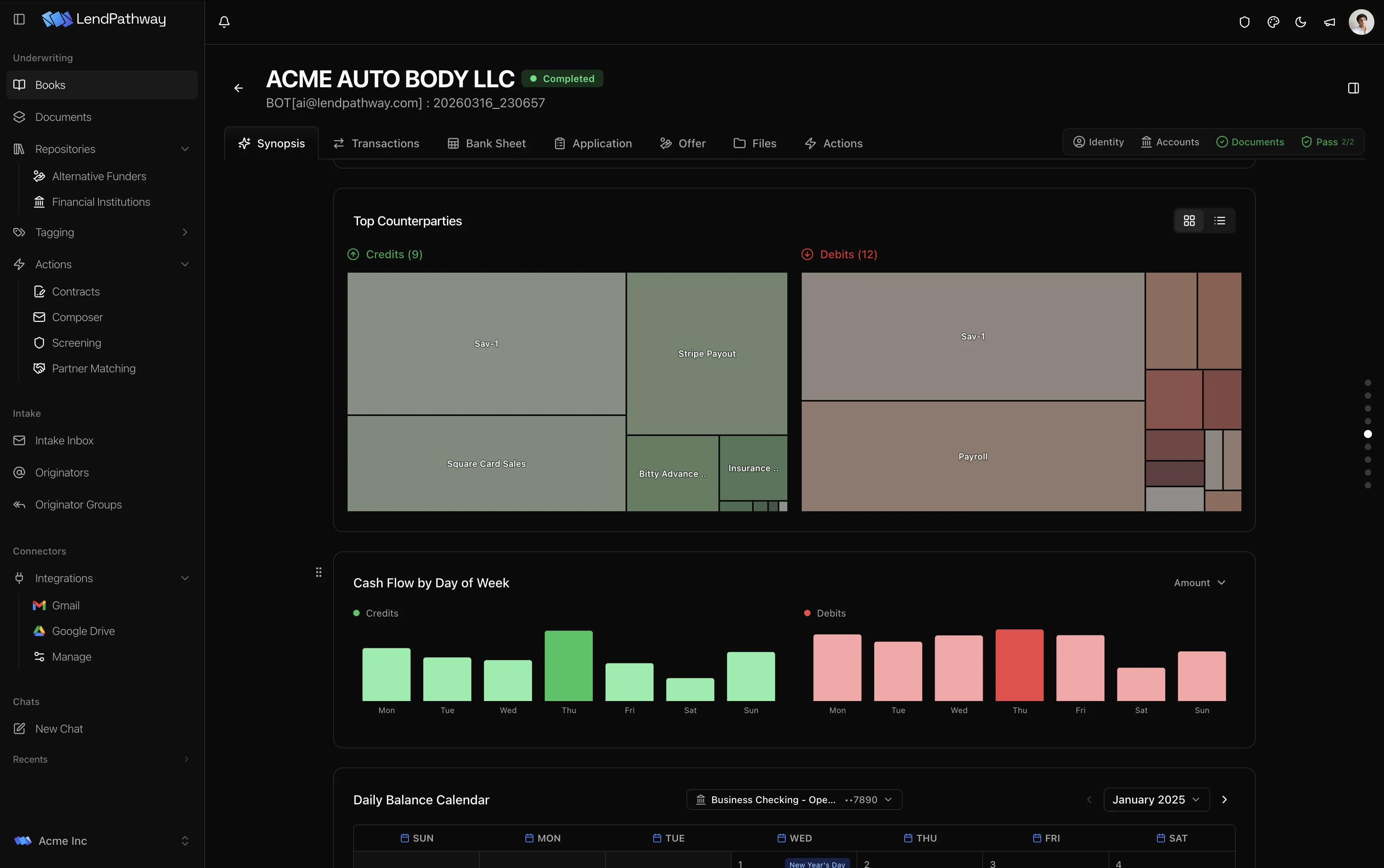
Each organization gets its own intake address. When an allowed sender emails it, Pathway creates a book, uploads the attachments, classifies each file, and starts the parse. Zip files are expanded and links in the body are downloaded first, and file types are read from the file contents, not the filename.
Bank statements, credit reports, tax returns, and applications can arrive in the same email. Each file goes to its own parser.
Your address or your inbox
Deals can reach Pathway two ways. Use whichever matches how submissions already arrive.
- Pathway address
- Forward or CC [email protected] on any submission.
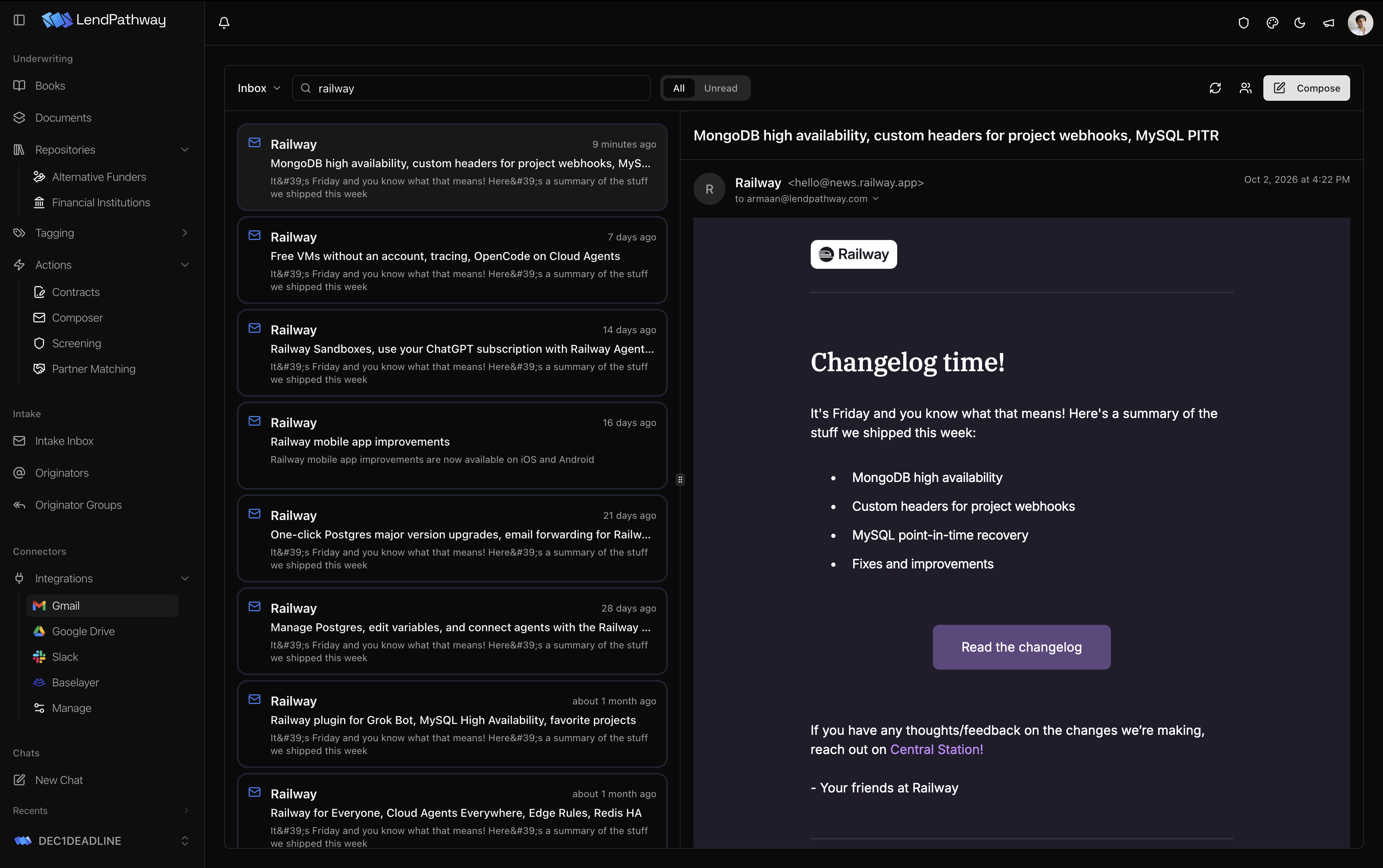
- Connected Gmail
- Pathway reads a shared deals inbox directly, including mail Gmail filed as spam, and replies from that inbox’s own address.
Other sources
Deals that start in another system come in the same way and land in the same book.
- CRM
- New Salesforce opportunities and LendSaaS leads come in with their files.
- Cloud file storage
- Bring files from Google Drive into a book.
- Pathway API
- Submit documents from your own system and get a webhook when the parse finishes.
Rules for what counts
You decide which emails become books.
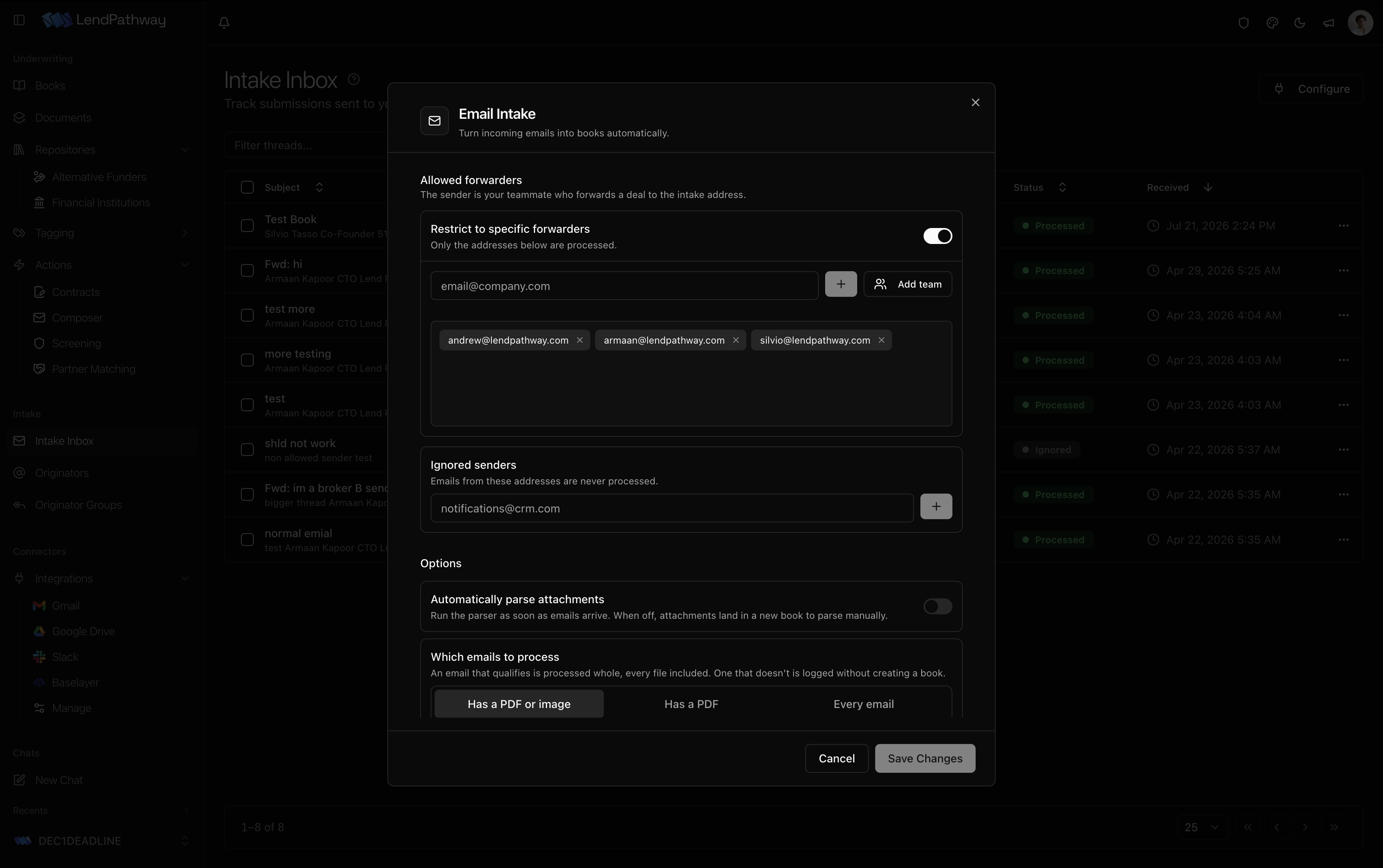
- Allowed forwarders
- Only listed senders are processed. Add your whole team at once, or turn the list off for a dedicated deals mailbox.
- Ignored senders
- Addresses that are never processed, such as CRM notifications.
- Which emails to process
- Require a PDF or image, require a PDF, or accept every email. An email that doesn’t qualify is logged with its skipped files, and no book is created.
- Automatic parsing
- Parse attachments as they arrive, or collect them in a new book to parse by hand.
A reply in the same thread
When the statements are parsed, the sender gets a reply in the original thread with the business name, the statement range, the screening result, average monthly revenue, average daily balance, true revenue, negative days, NSFs, overdrafts, any debt positions, and a link to the book.
Replies can be turned off. The book is still parsed and screened.
Originators
Every sender becomes a row in your originator directory, with the number of books they have sent and when they last sent one. Senders are grouped into firms by email domain, so a new rep at a shop you already work with lands in the right group on their first email.
Names, notes, and group assignments you set are kept across future emails. Personal domains such as gmail.com are never grouped as a firm.